
Customer groups, layouts and permissions
Customer Portal
Create customer groups
Add Customer group values in Studio › Contacts › Fields › Customer group, then assign a group to each contact.

Choose modules and actions
Configure the visible modules for each group. Modules are view-only by default; enable Create, Edit and Delete for a group only where it’s appropriate.
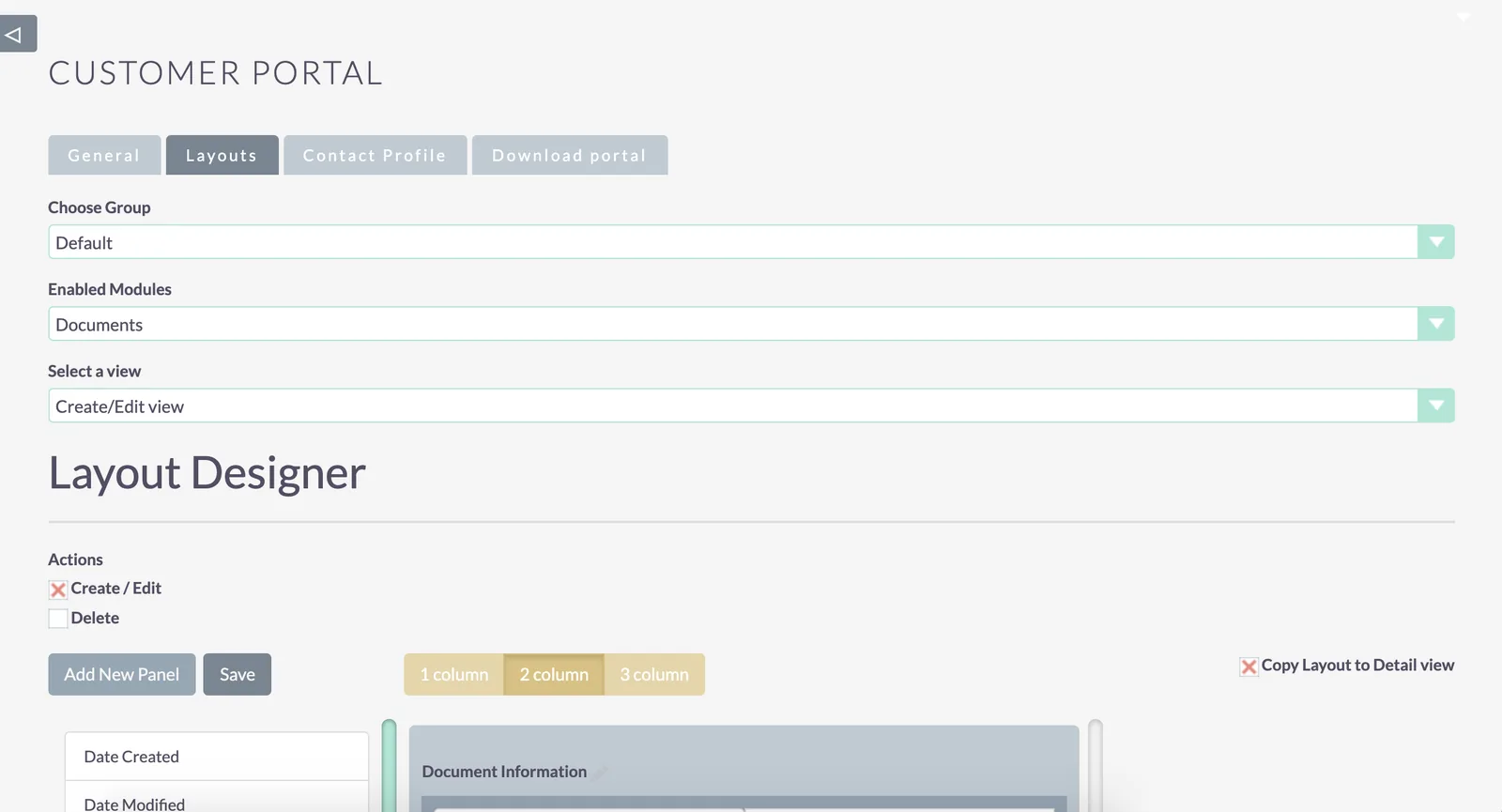
Choose the fields in each layout
Pick the fields shown in each layout for the group.

Was this helpful?
NextGenerate the portal frontend package →