
Generate the portal frontend package
Customer Portal
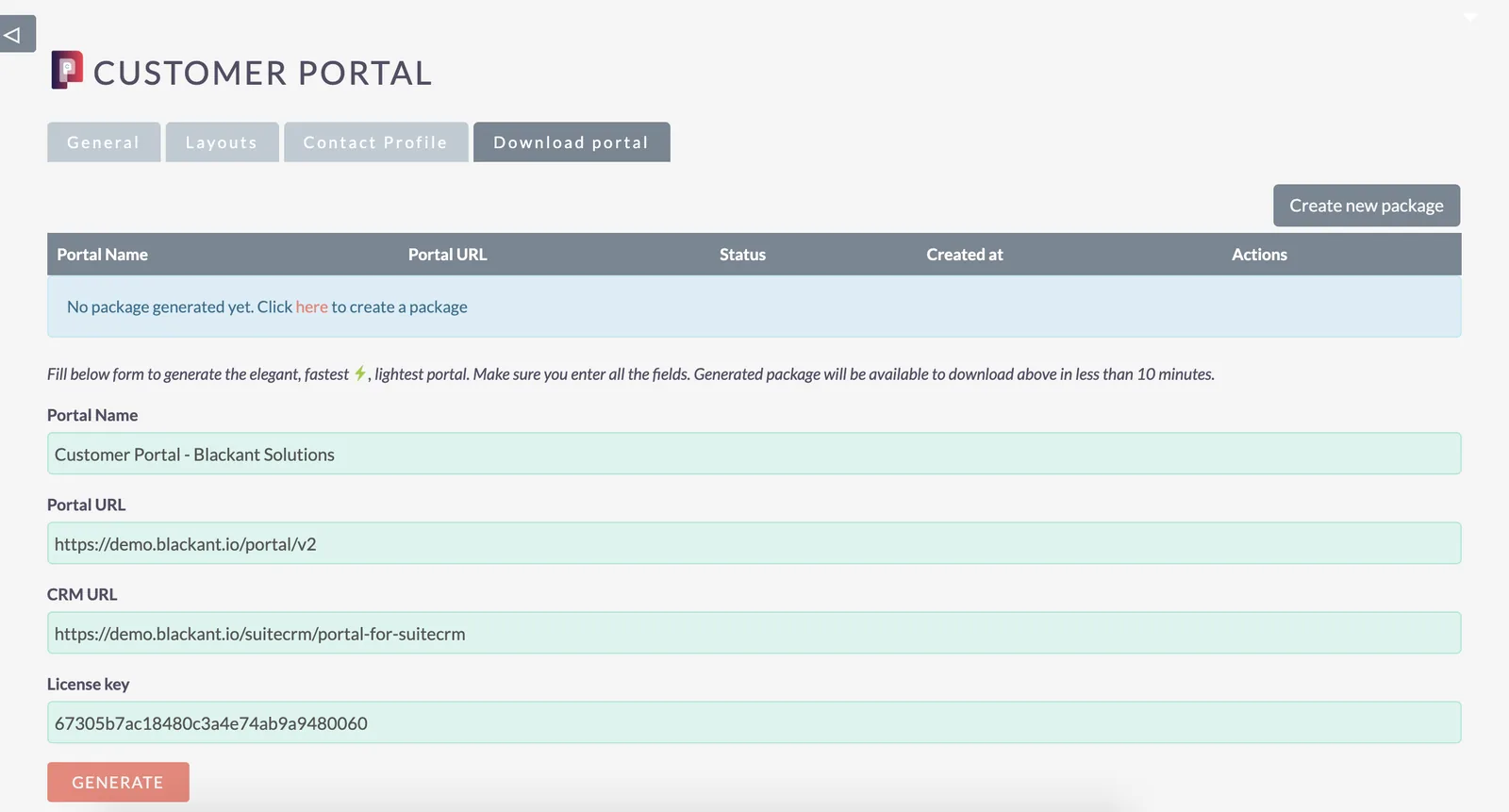
Open the Download portal tab. Enter the Portal URL, Portal name, CRM URL and Licence key, then submit the request to generate the portal frontend package.
Bought from the SuiteCRM Store? Use the licence key they sent you. Bought here? [What direct buyers enter in the Licence key field.]
Search and saved filters
Once the portal is running, customers can use advanced search in portal modules and save a search as a filter to come back to later.

Video walkthrough
Watch the configuration walkthrough on YouTube for layout configuration and frontend package generation.
Was this helpful?
All docs